New screens and forms
Stand up data-entry screens and capture forms — shop floor logs, inspection checklists, custom order intake — laid out and wired to your data model.
 Try Tangle Free
 Milo AI Builder
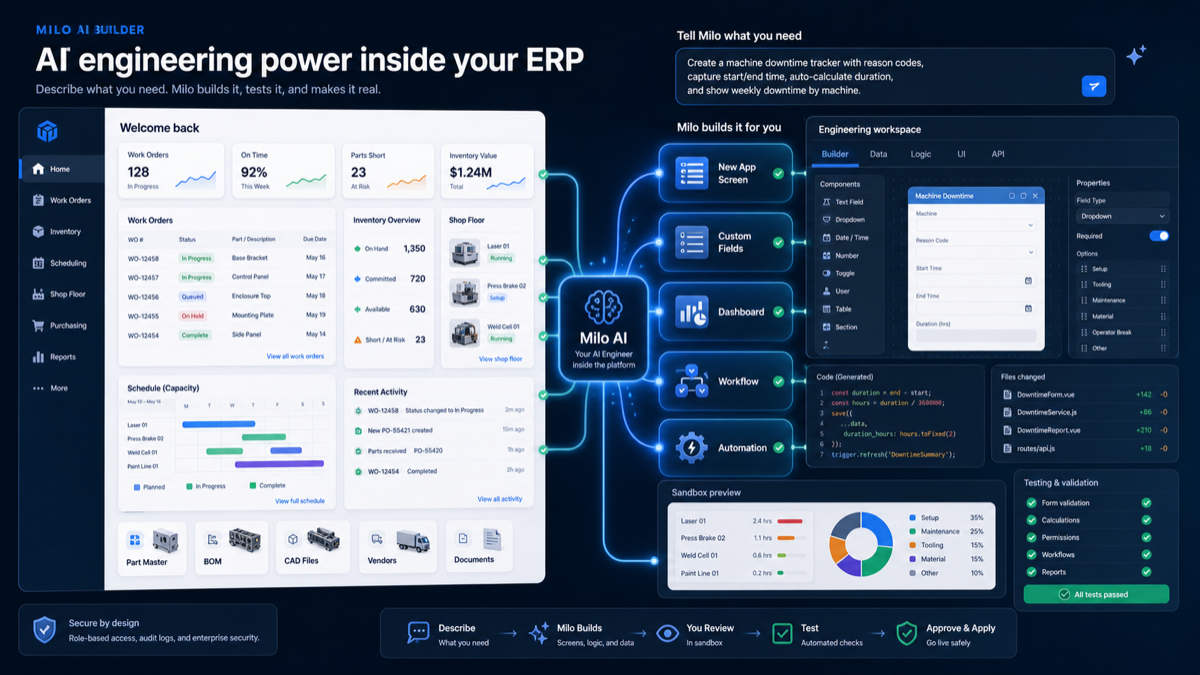
Customize your ERP in plain English, without gambling on production. Milo reads your Tangle environment, makes changes in a sandbox, and lets you preview them before anything goes live.
What Milo can build
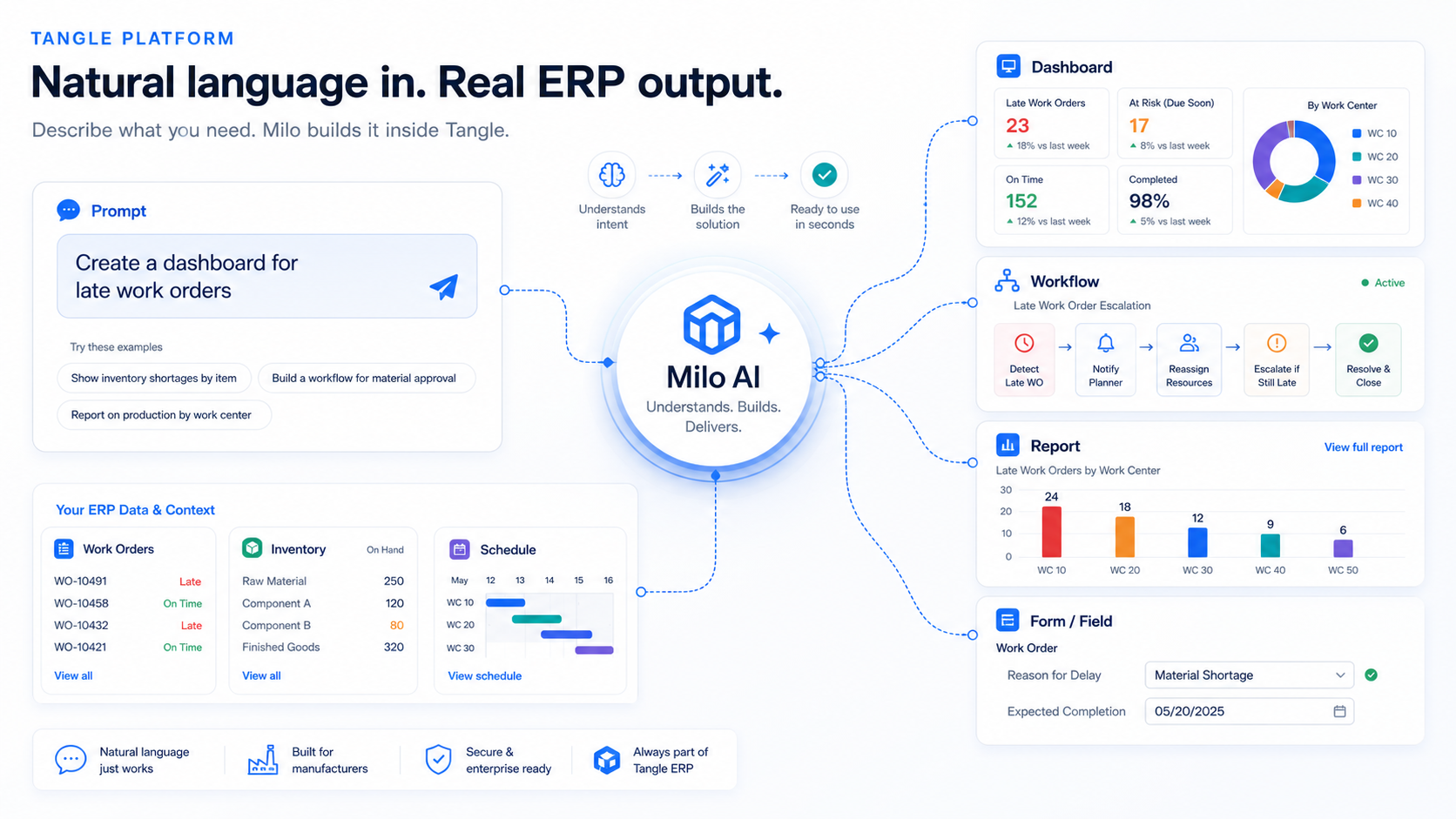
Milo is wired into the system so it can produce reviewable drafts of workflows, fields, forms, dashboards, reports, and automations.
Stand up data-entry screens and capture forms — shop floor logs, inspection checklists, custom order intake — laid out and wired to your data model.
Add the fields your process actually needs, from a downtime reason code to a margin that calculates itself from values you already track.
Model how work moves — quote approvals, work-order routing, purchasing sign-offs — with the stages and rules your team already follows.
Turn live operational data into views that answer real questions, like late work orders by department or open POs by supplier.
Set triggers and actions that run on their own — flag orders over a threshold, notify a foreman, or update a status when a step completes.
Put AI inside the workflow itself — parse incoming purchase order PDFs into matched line items, or generate a shift brief from today's schedule.
Manufacturing examples
Milo turns operational requests into screens, reports, automations, or structured work.
Milo turns operational requests into screens, reports, automations, or structured work.
Milo turns operational requests into screens, reports, automations, or structured work.
Milo turns operational requests into screens, reports, automations, or structured work.
Milo turns operational requests into screens, reports, automations, or structured work.
Free trial
Enter your email below and someone from our team will be in touch shortly to get you set up.